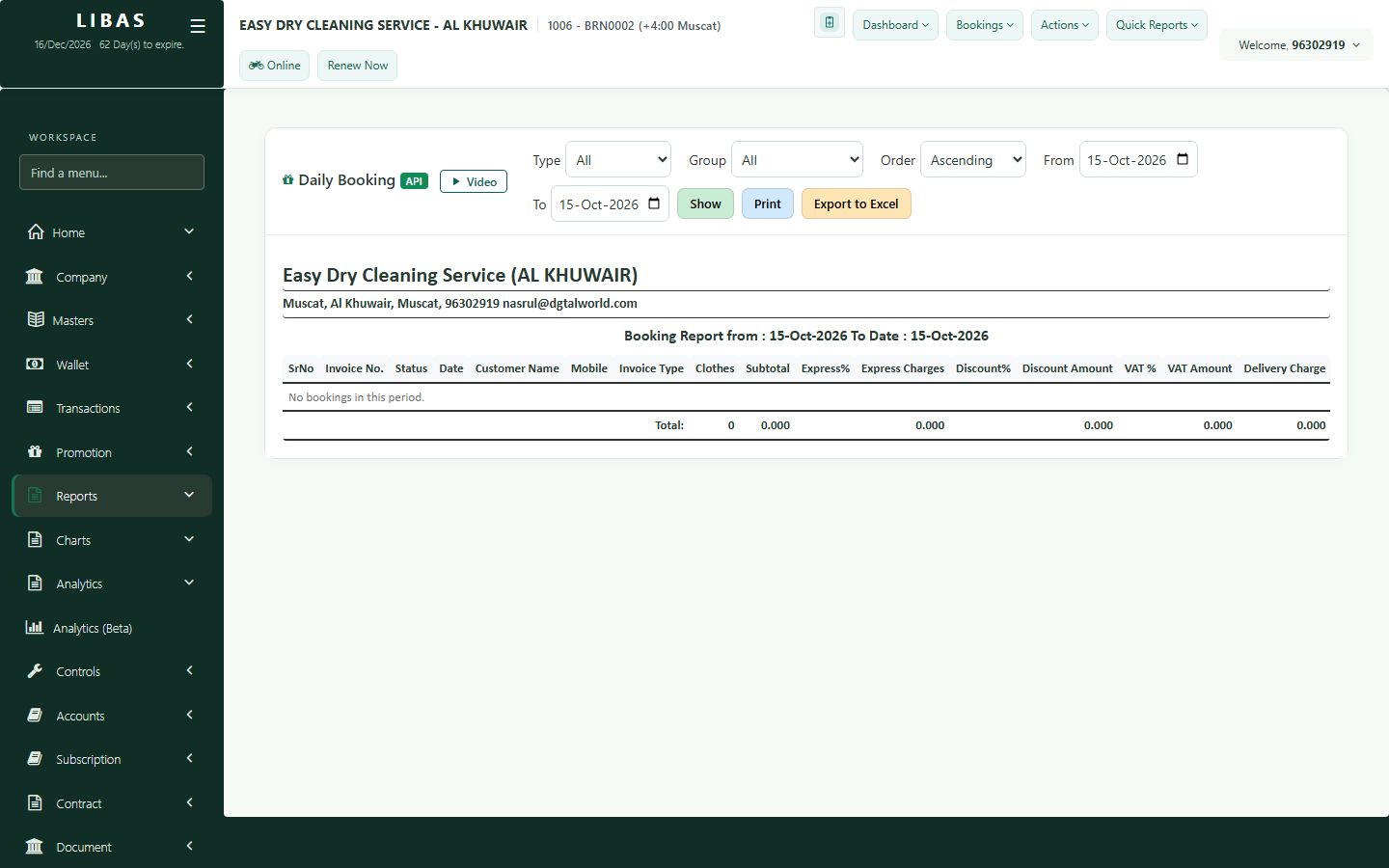
Daily booking report
Every invoice of the chosen days with VAT, discount and net amount - ready to print or export.
Where to find itQuick Reports › Bookings
Steps
- Choose the dates and press Show.
- Check every invoice with its VAT, discount and net amount.
- Print the report or export it to Excel.