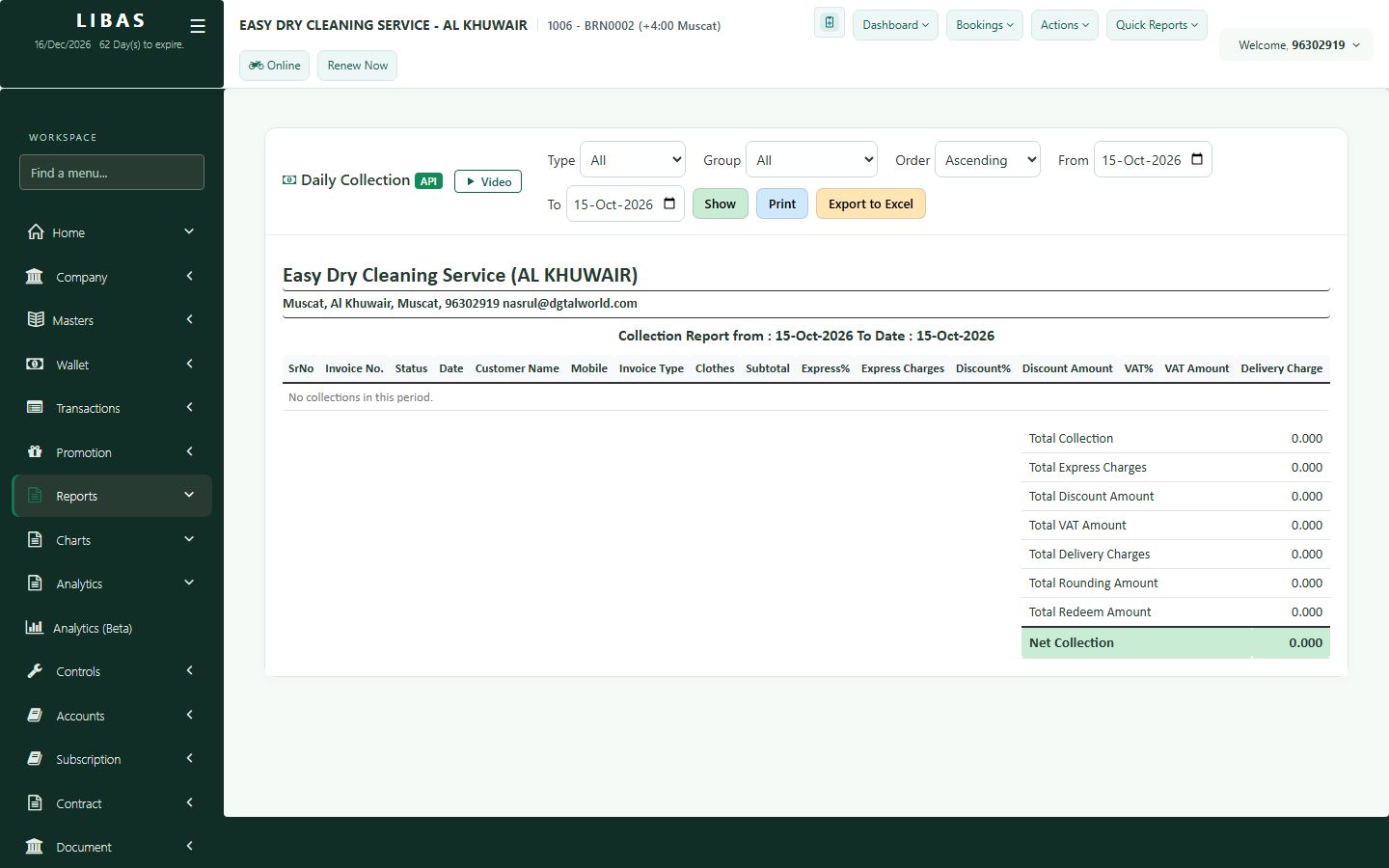
Daily collection
Money collected day by day and by payment mode - cash, card and others - ready to print or export.
Where to find itQuick Reports › Payments
Steps
- Open Quick Reports › Payments.
- Choose the dates and press Show.
- Check the totals for cash, card and other payment modes.
- Print it or export to Excel.