Deliver and take payment
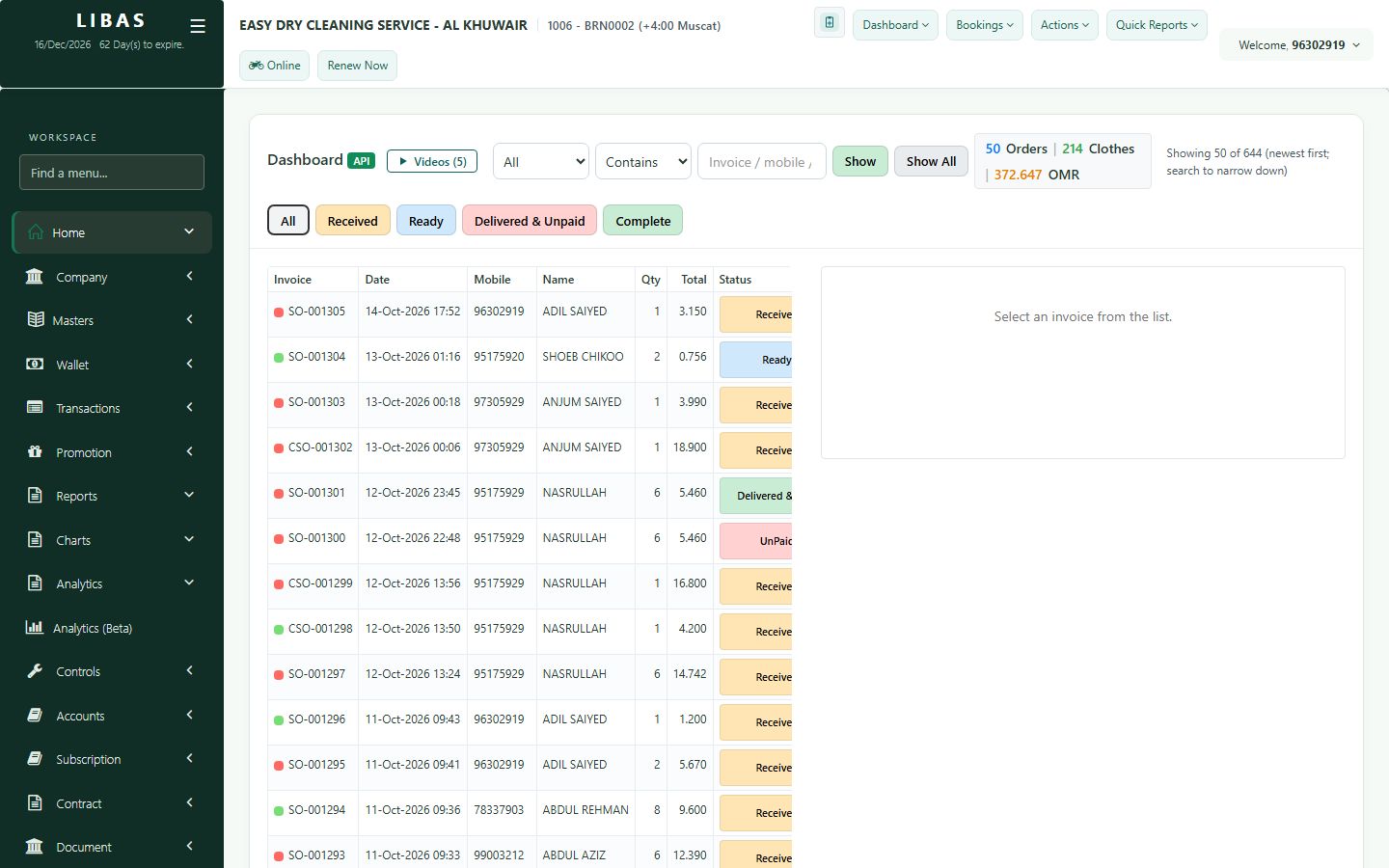
The customer is at the counter: open the Ready order, deliver the clothes, take the payment and complete the delivery.
Where to find itDashboard › Dashboard (API)
Steps
- Open the Ready order from the dashboard.
- Press Deliver Clothes.
- Choose the payment type: Card (the default), Cash, Bank transfer or another mode.
- For cash, type the amount received - the change is shown.
- Press Complete Delivery. The receipt prints and the order shows Delivered & Paid.