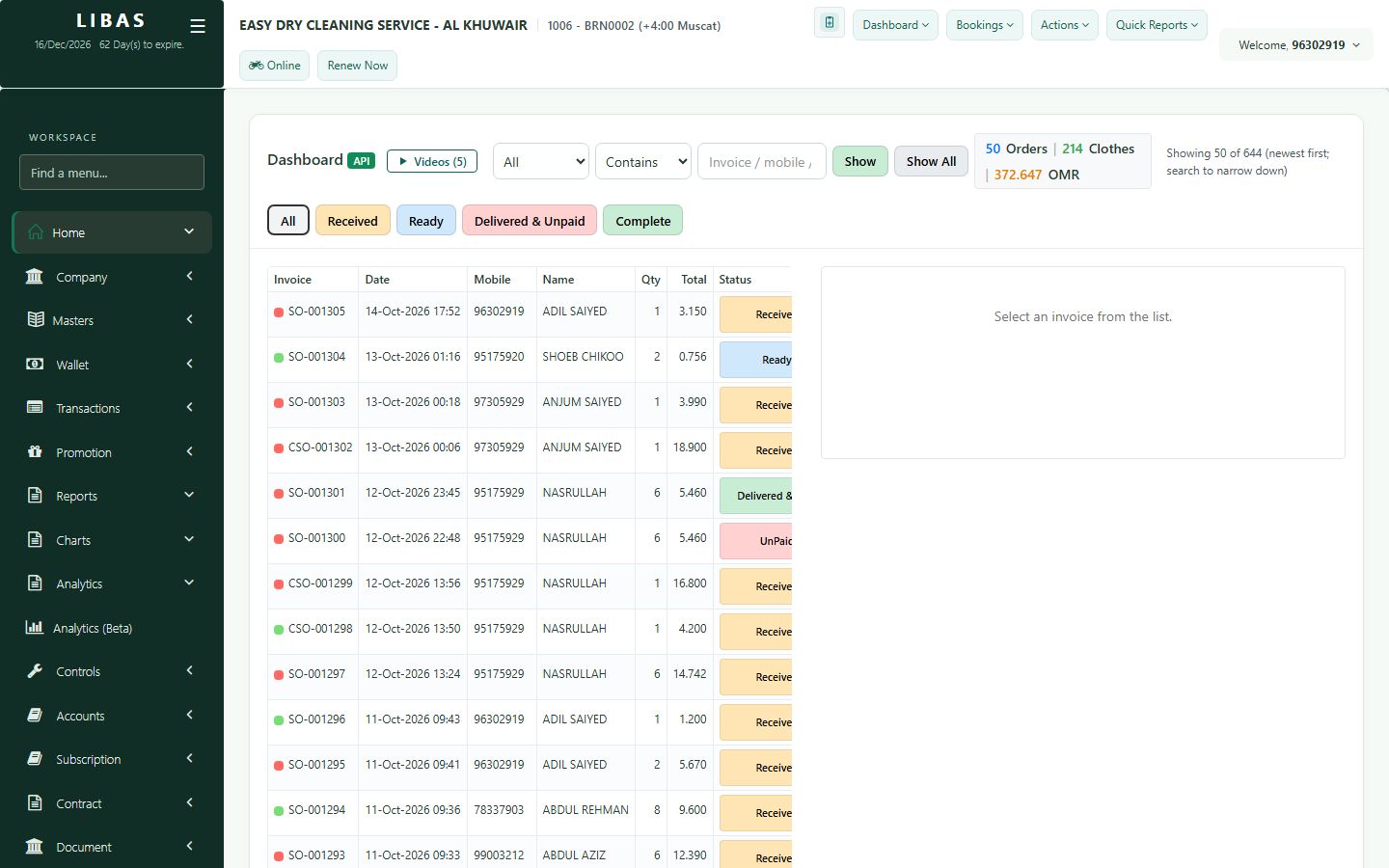
Deliver now, pay later
Hand over the clothes and keep the amount on the customer's account. The order stays Delivered & Unpaid until it is paid.
Where to find itDashboard › Dashboard (API)
Steps
- Open the Ready order and press Deliver Clothes.
- Choose Unpaid - the amount stays on the customer account.
- Press Complete Delivery.
- The order shows Delivered & Unpaid. When the customer pays, collect it from the order or from payment collection.