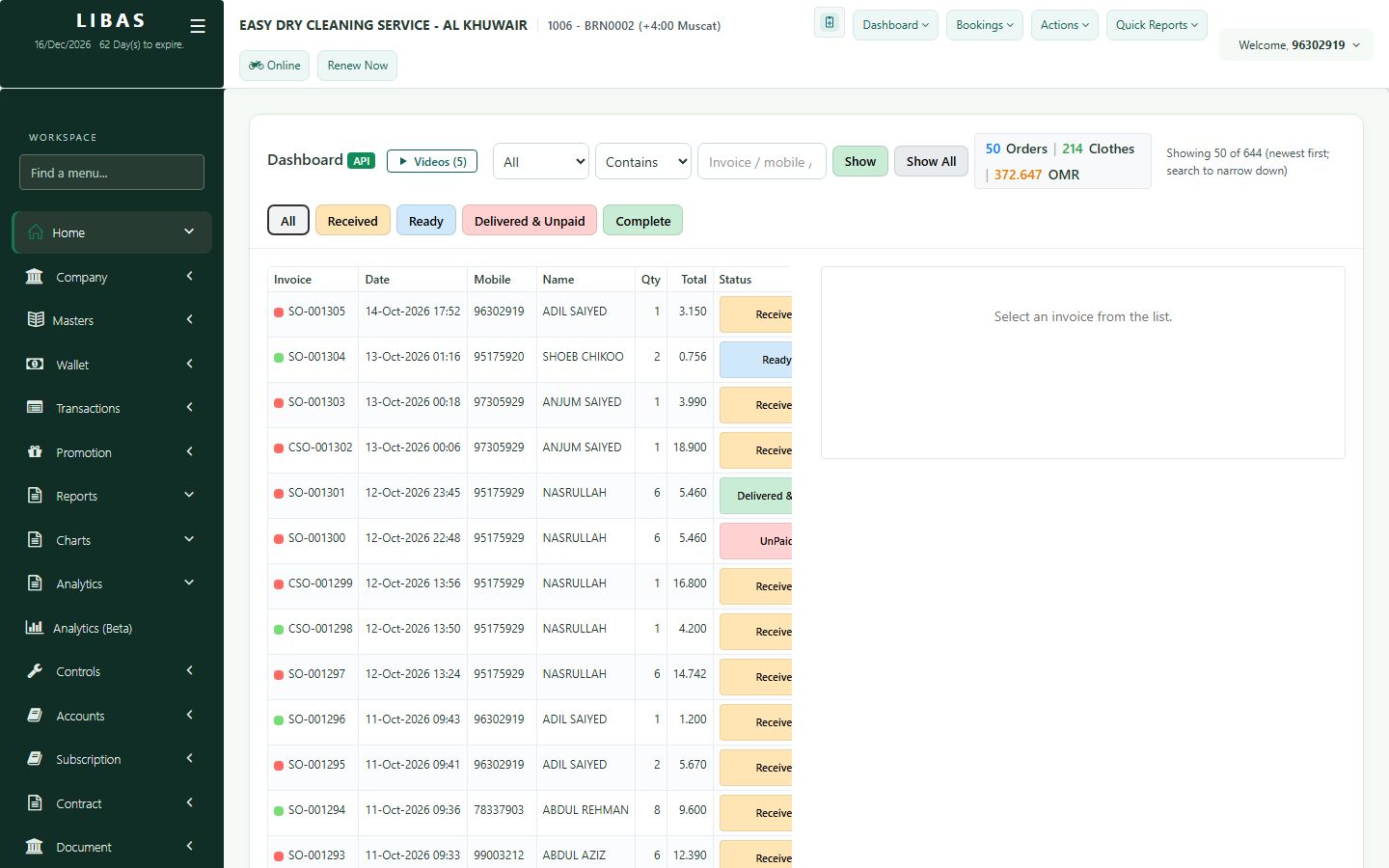
Mark an order Ready
When the clothes are clean, mark the order Ready so the customer can be told and the order moves to the Ready list.
Where to find itDashboard › Dashboard (API)
Steps
- On the dashboard, find the order (search by mobile or invoice number) and open it.
- Choose the rack where the clothes hang (optional).
- Press Mark as Ready.
- The order now shows as Ready. The customer can be told by WhatsApp or SMS.