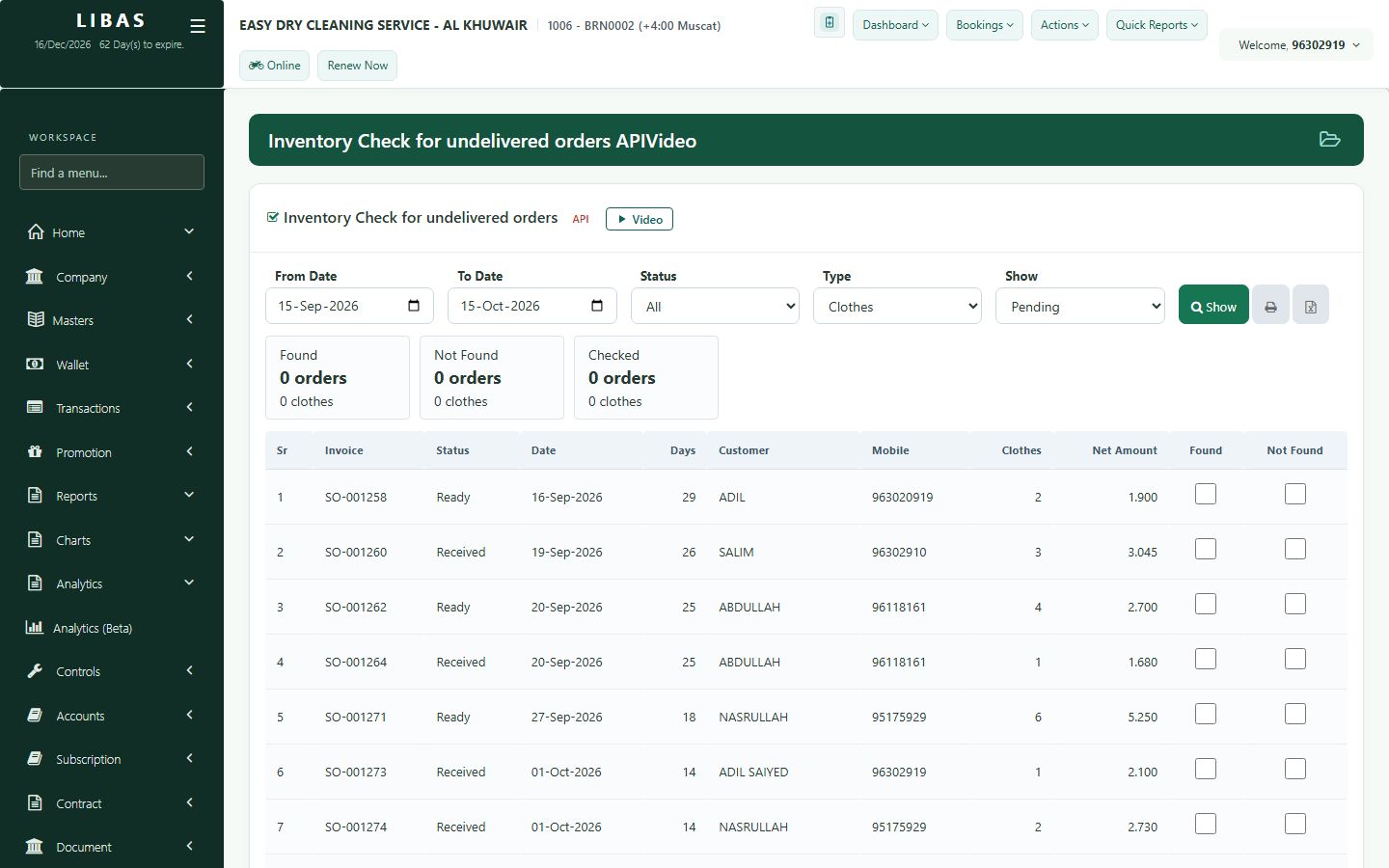
Inventory check
List the clothes still in the shop, tick what you find on the racks, and the missing orders stand out.
Where to find itTransactions › Inventory Check
Steps
- Open Transactions › Inventory Check and show the undelivered orders.
- Walk the racks and tick each order you find.
- Orders that are not ticked are the ones to look for.
- Print or export the list.