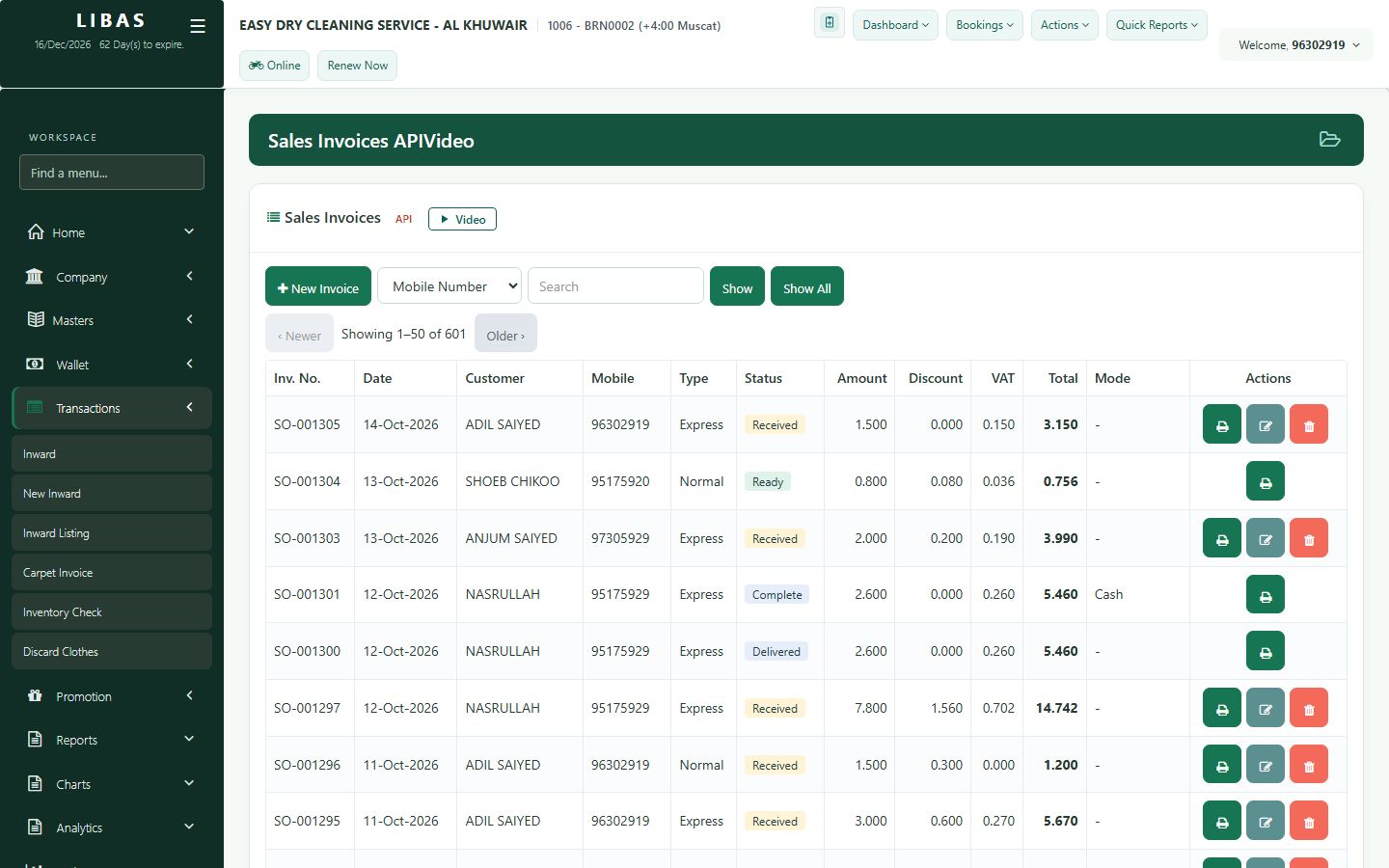
All invoices
Every invoice of the branch in one list: search, reprint any receipt and page through the history.
Where to find itTransactions › Inward Listing
Steps
- Open Transactions › Inward Listing.
- Search by mobile number, name or invoice number.
- Reprint any receipt from the list.
- Page through every invoice.