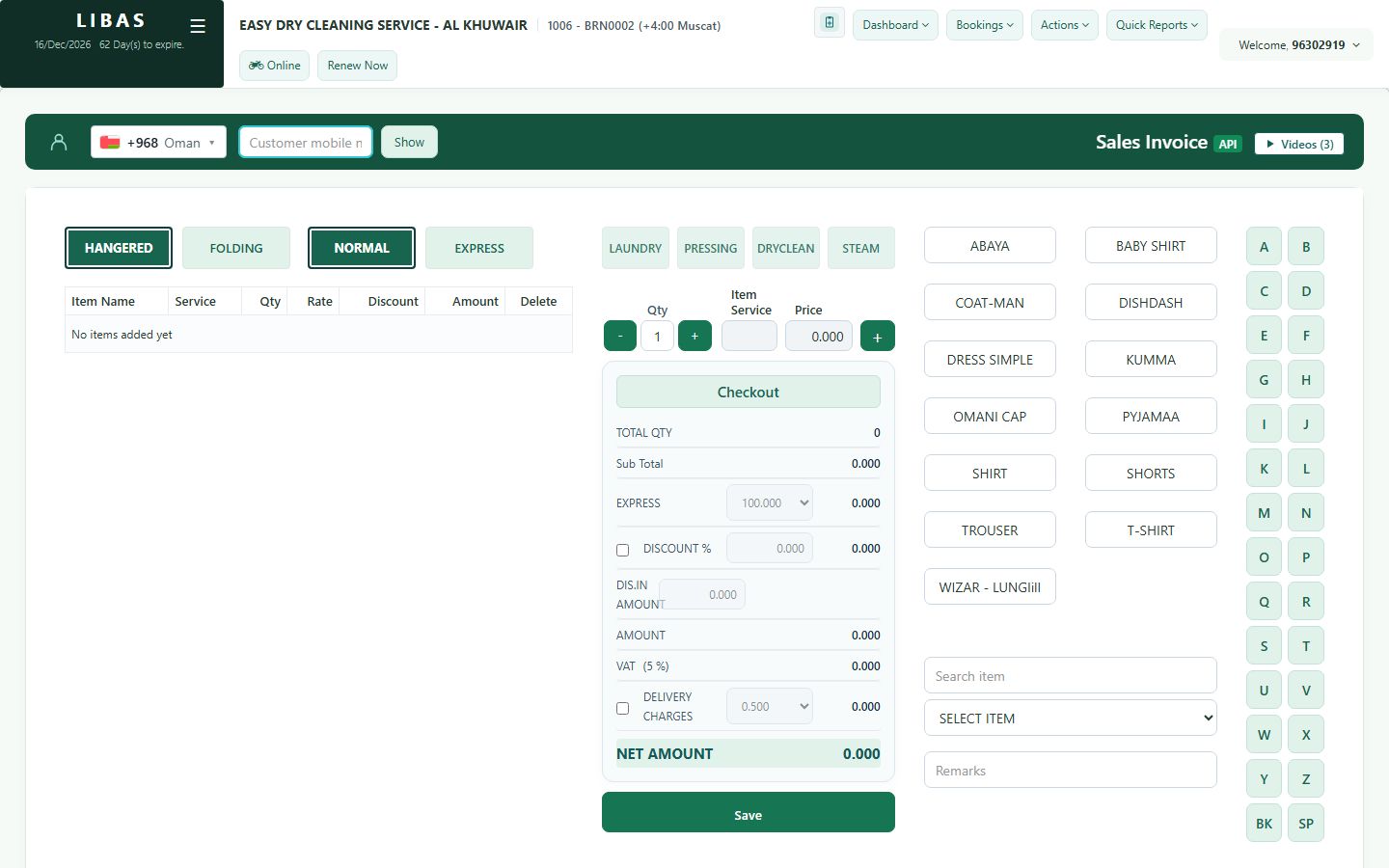
Add a new customer
A mobile number that is not in Libas opens the New customer form with the number already filled in. Type the name, save, and take the first order.
Where to find itBookings › General
Steps
- Type the mobile number and press Show.
- If the number is new, Libas opens New customer with the number filled in.
- Type the customer's real name and press Save.
- The customer is selected - add the items and press Save for the first order.
- Next time, the customer is found by mobile number.