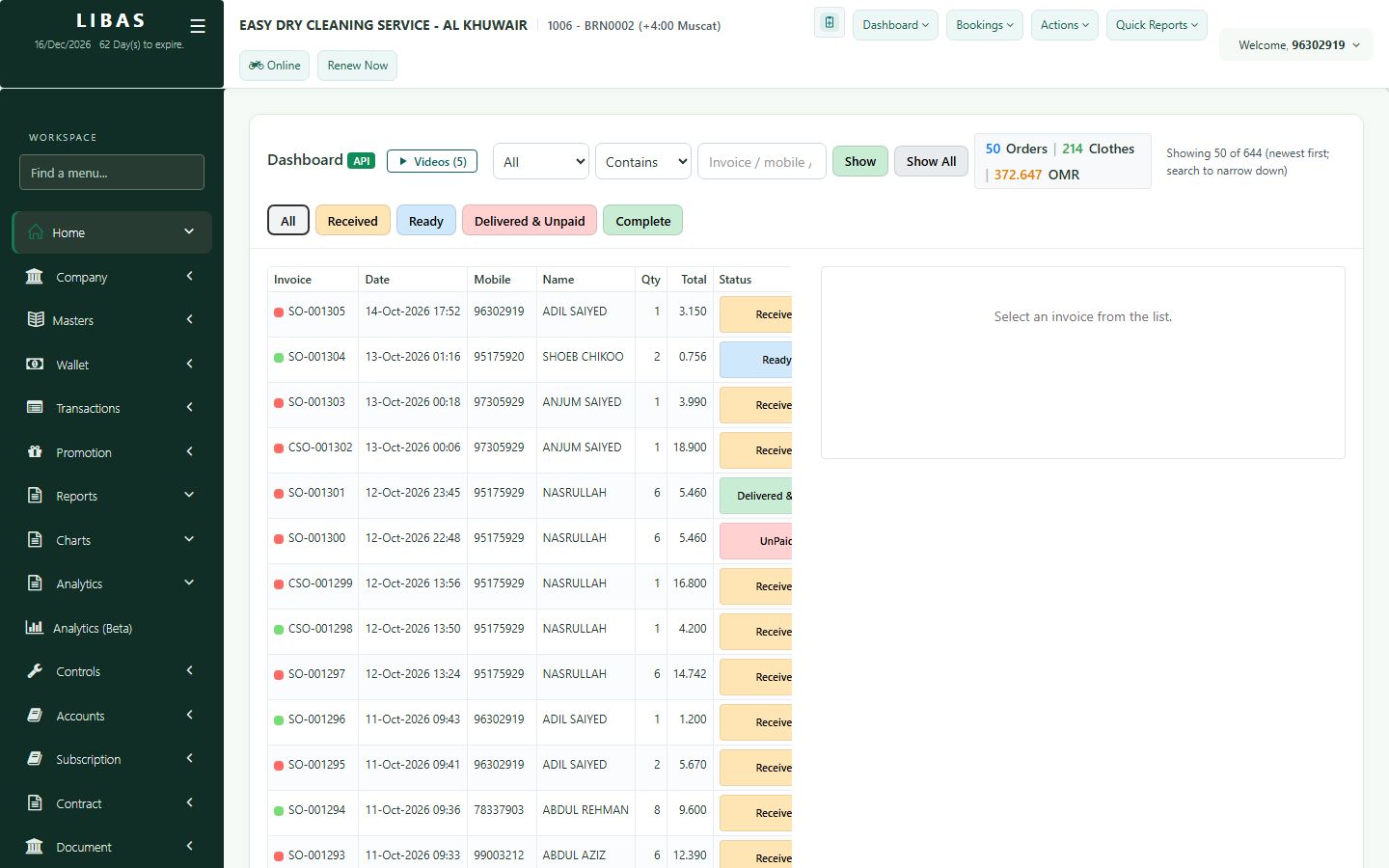
Order details
One order at a glance: items, services and amounts, the received, ready, delivered and payment dates, and the customer's balance, credit limit and wallet.
Where to find itDashboard › open any order
Steps
- Open the order from the dashboard.
- Check the items, services and amounts.
- See the dates: received, ready, delivered and paid.
- See the customer's unpaid balance, credit limit and wallet balance.