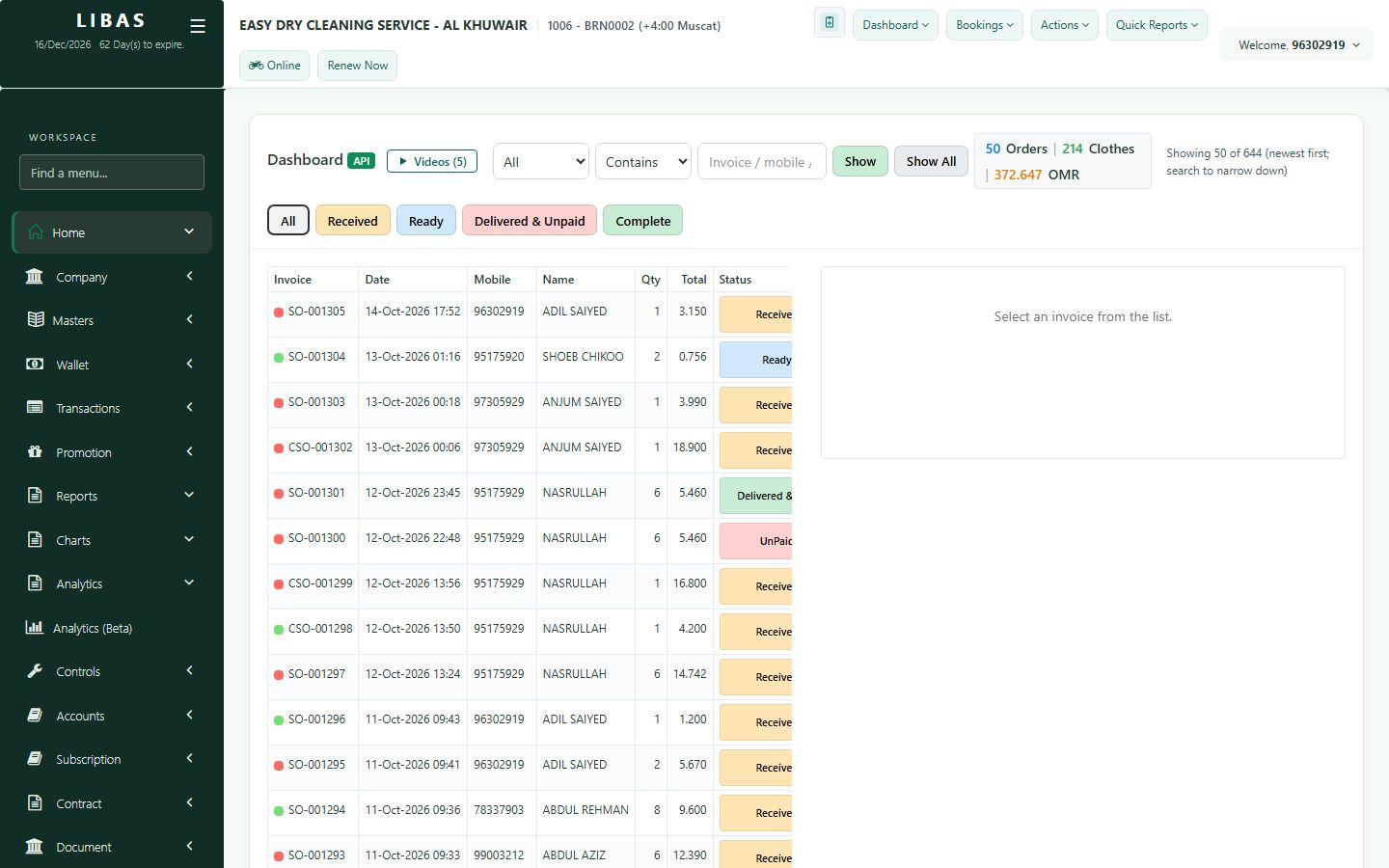
Dashboard and search
The dashboard lists every order of your branch. Filter by status, search by mobile, invoice number or name, and open any order.
Where to find itHome (or Dashboard › Dashboard (API))
Steps
- Use the status buttons: All, Received, Ready, Delivered & Unpaid, Complete.
- Type a mobile number, invoice number or name and press Show.
- Tap an order to see its items, status and payments.
- Print the receipt or the garment labels from the order.