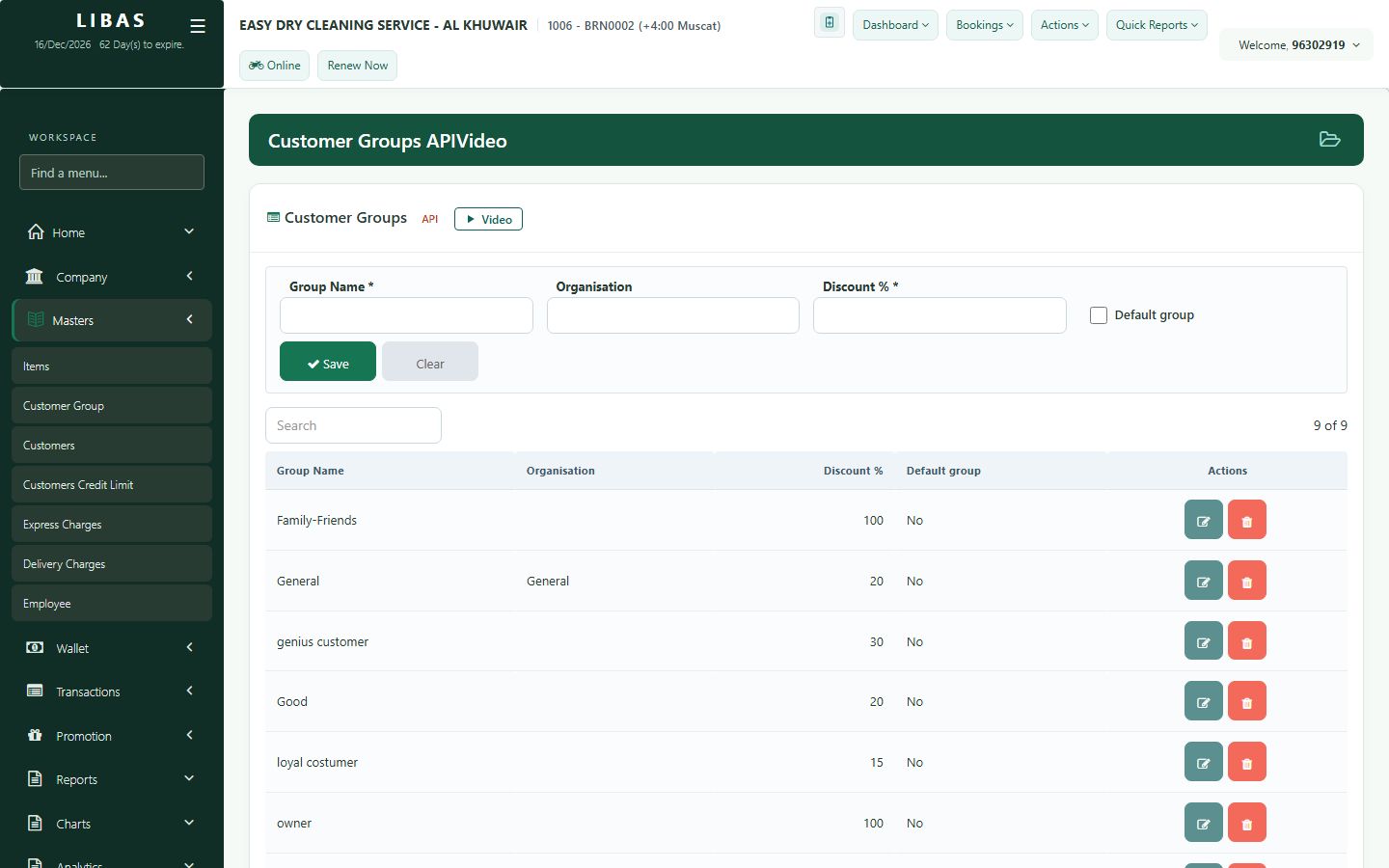
Customer groups and credit limits
Give regular customers a group discount, and decide how much a customer may owe.
Where to find itMasters › Customer Group / Customers Credit Limit
Steps
- Customer Group: create a group and its discount percent.
- Put customers in the group from Customers - the discount is applied at the counter.
- Customers Credit Limit: set how much a customer may owe.
- Save.