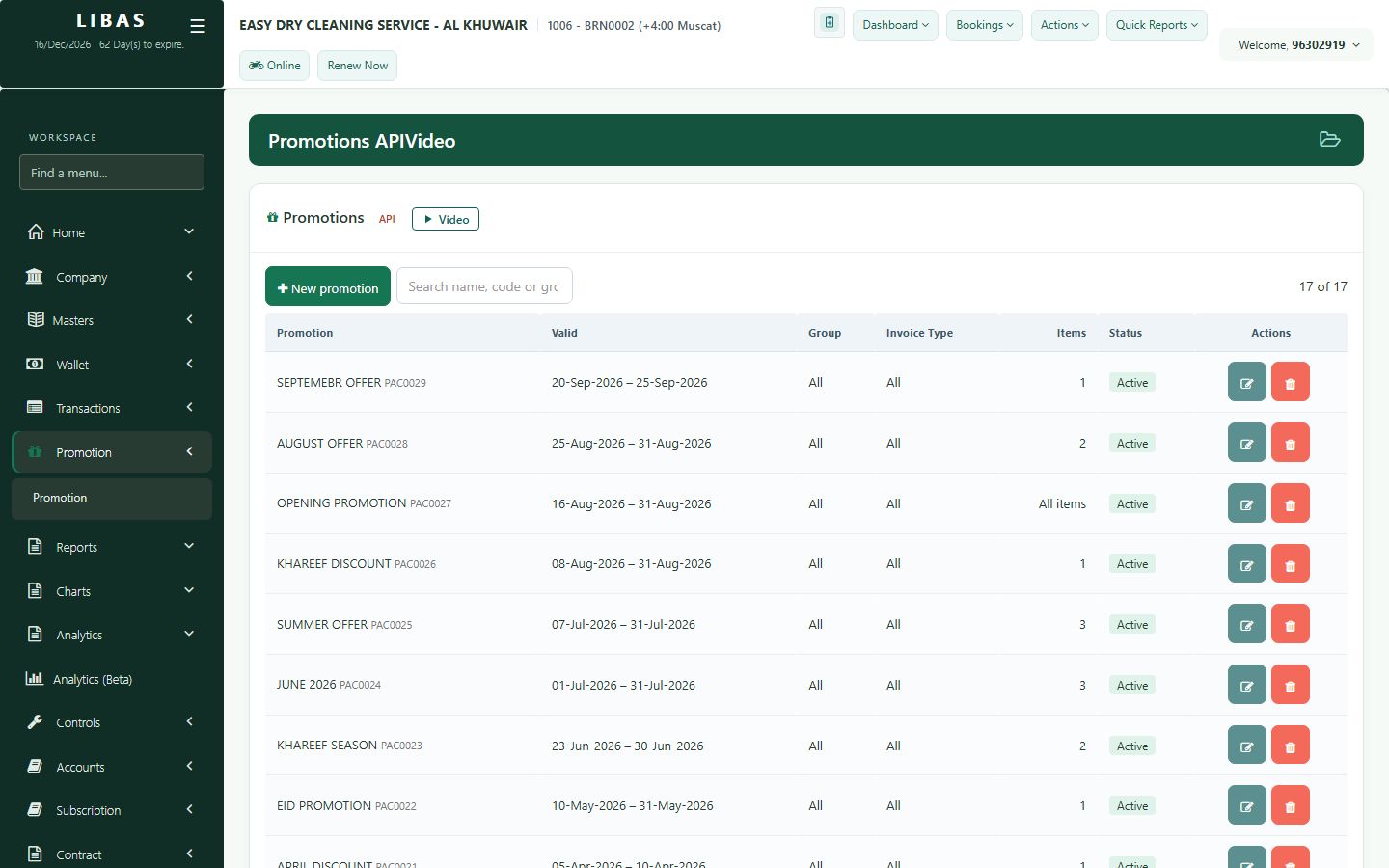
Promotions and packages
Create offers and packages: a discount by item, service or invoice type, valid between two dates.
Where to find itPromotion › Promotion
Steps
- Open Promotion.
- Create a promotion: choose item, service or invoice type and the discount.
- Set the start and end dates.
- Save. Counter staff can apply it while it is valid.