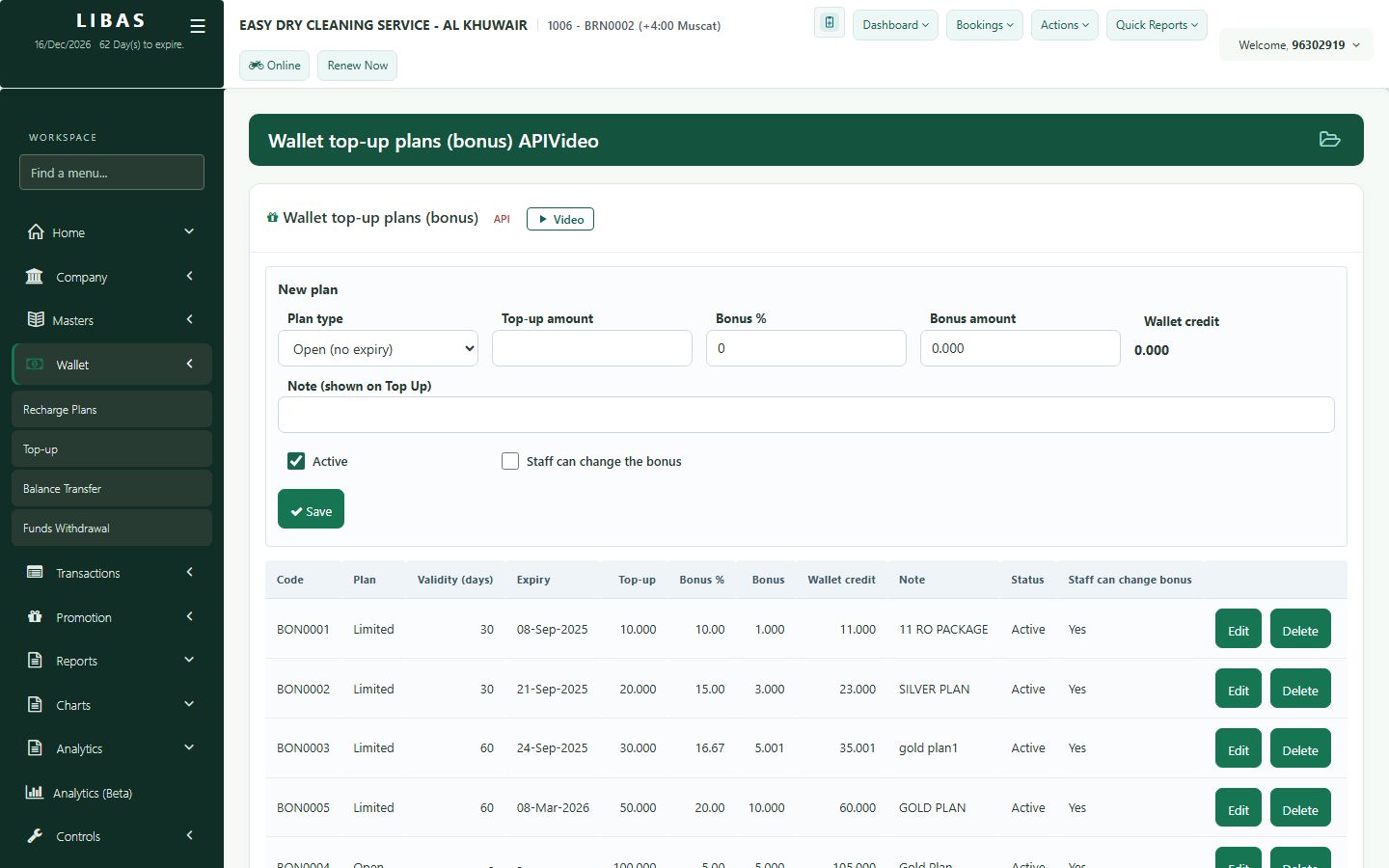
Customer wallet
Customers pay in advance and get a bonus. Set up recharge plans, top up a wallet at the counter, and move balance between customers.
Where to find itWallet › Recharge Plans / Top-up / Balance Transfer
Steps
- Recharge Plans: create plans such as pay 10, get 11.
- Top-up: add money to a customer's wallet at the counter.
- Balance Transfer: move balance from one customer to another.
- The wallet balance can pay for orders at delivery.