Customers
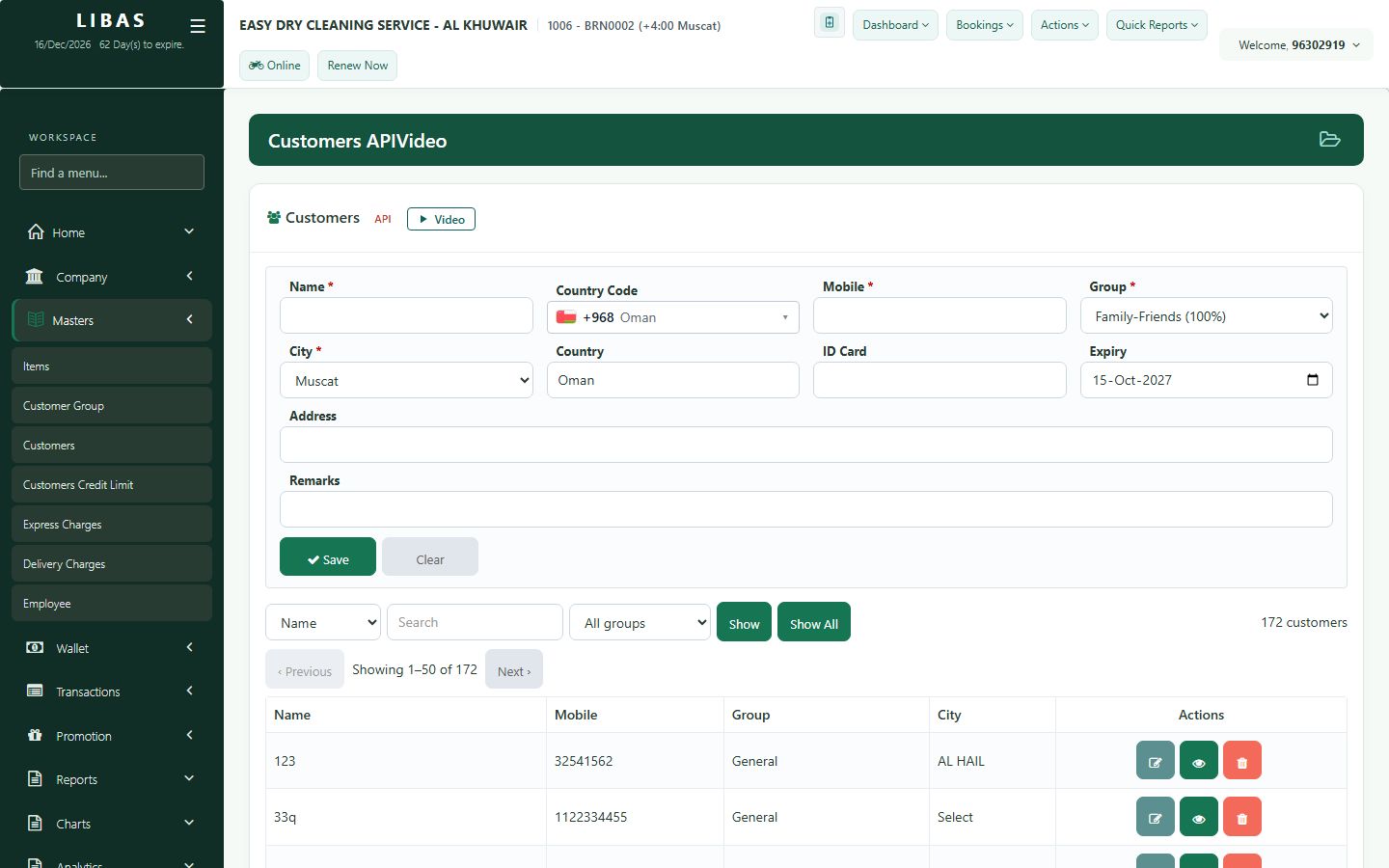
All customers of your company: search, edit the name or group, and see the order history.
Where to find itMasters › Customers
Steps
- Open Masters › Customers.
- Search by mobile number or name.
- Open a customer to edit the name, group or notes.
- See the customer's order history.