Items and price list
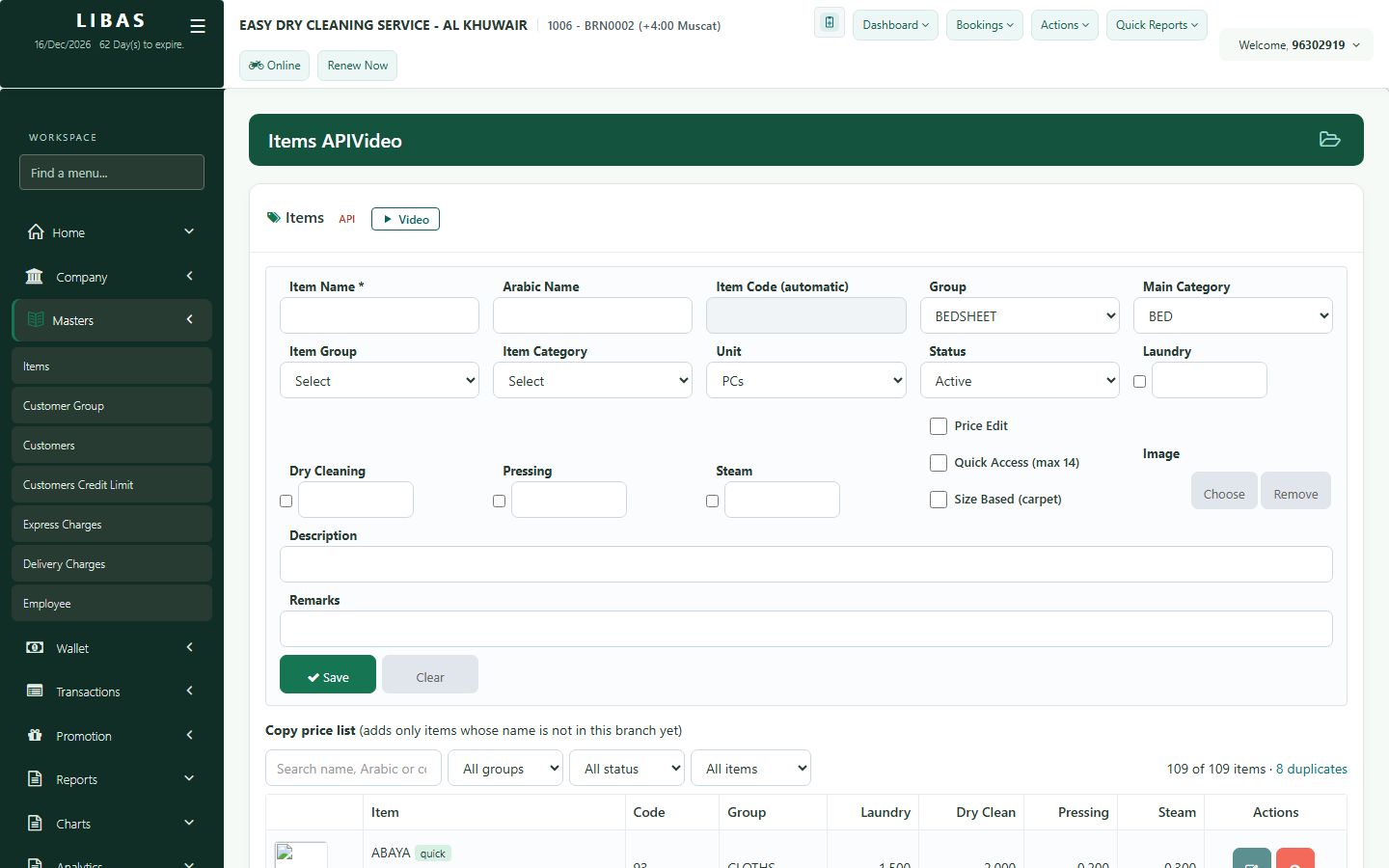
Your price list: every item with its laundry, pressing, dry-clean and steam prices. A change is used at every counter of the branch at once.
Where to find itMasters › Items
Steps
- Open Masters › Items and search the item by name, Arabic name or code.
- Open the item to see its prices for Laundry, Dry Cleaning, Pressing and Steam.
- Set the Arabic name, Quick Access (up to 14 quick items) and Price Edit (price can be changed at the counter).
- Press Save. Every counter of the branch uses the new price at once.