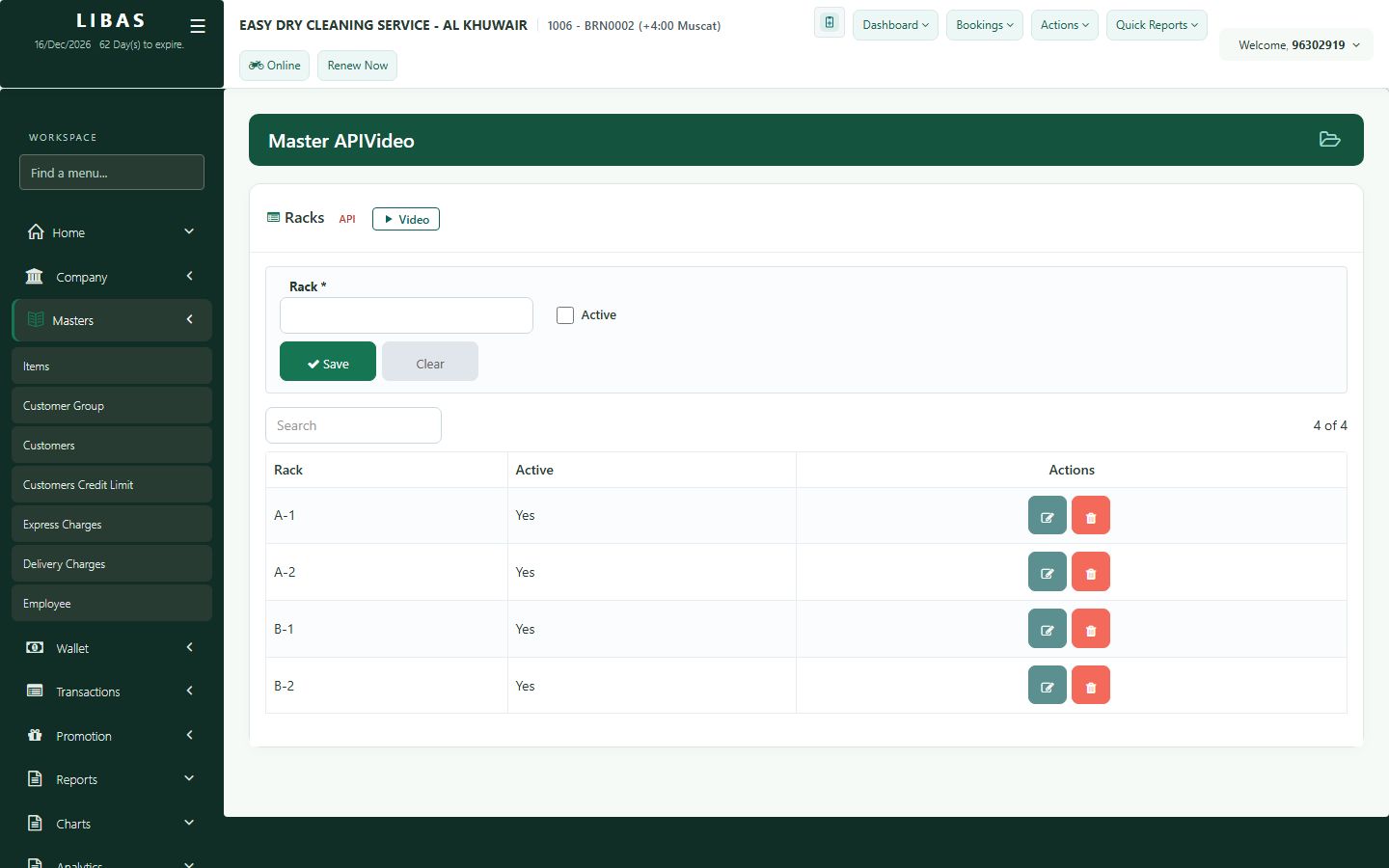
Racks, express and delivery charges
Shop rules every counter uses: rack numbers where finished orders hang, the percent added for express orders, and home-delivery charges.
Where to find itMasters › Express Charges / Delivery Charges
Steps
- Racks: add the rack numbers of your shop. Staff choose a rack when they mark an order Ready.
- Express Charges: set the percent added to urgent orders.
- Delivery Charges: add the home-delivery charges staff can choose at the counter.
- Press Save on each screen.