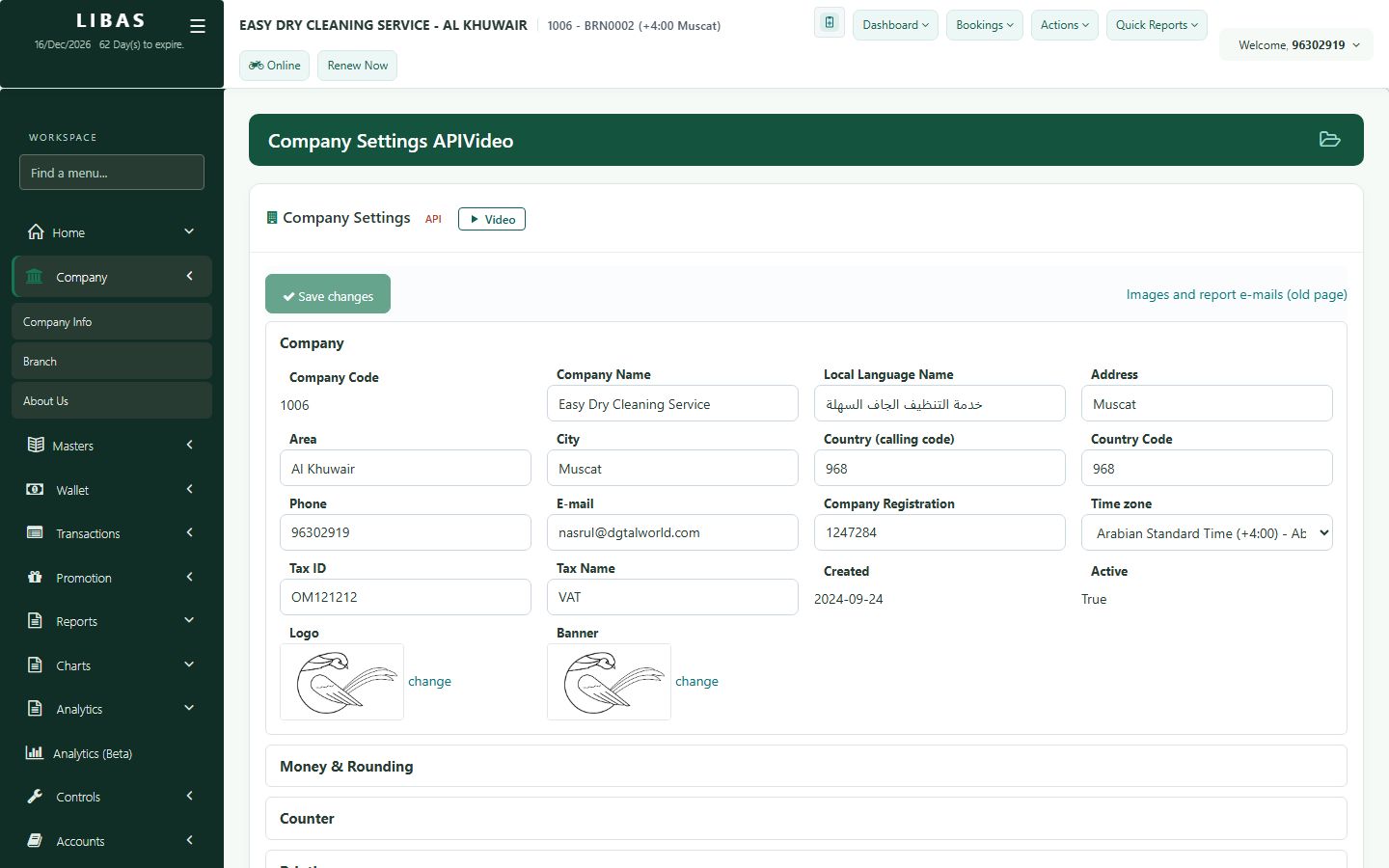
Company settings
All company settings on one page: VAT, receipt labels, logo and terms, default Hangered or Folded, and the maximum discount.
Where to find itCompany › Company Info
Steps
- Open Company › Company Info.
- Check the company name, local-language name, address, phone and tax ID.
- Open the sections you need: Money & Rounding, Counter, Printing, Invoice Labels, Opening Hours, Pickup & Delivery, Messages.
- Set the default Hangered or Folded and the maximum discount staff may give.
- Press Save changes.