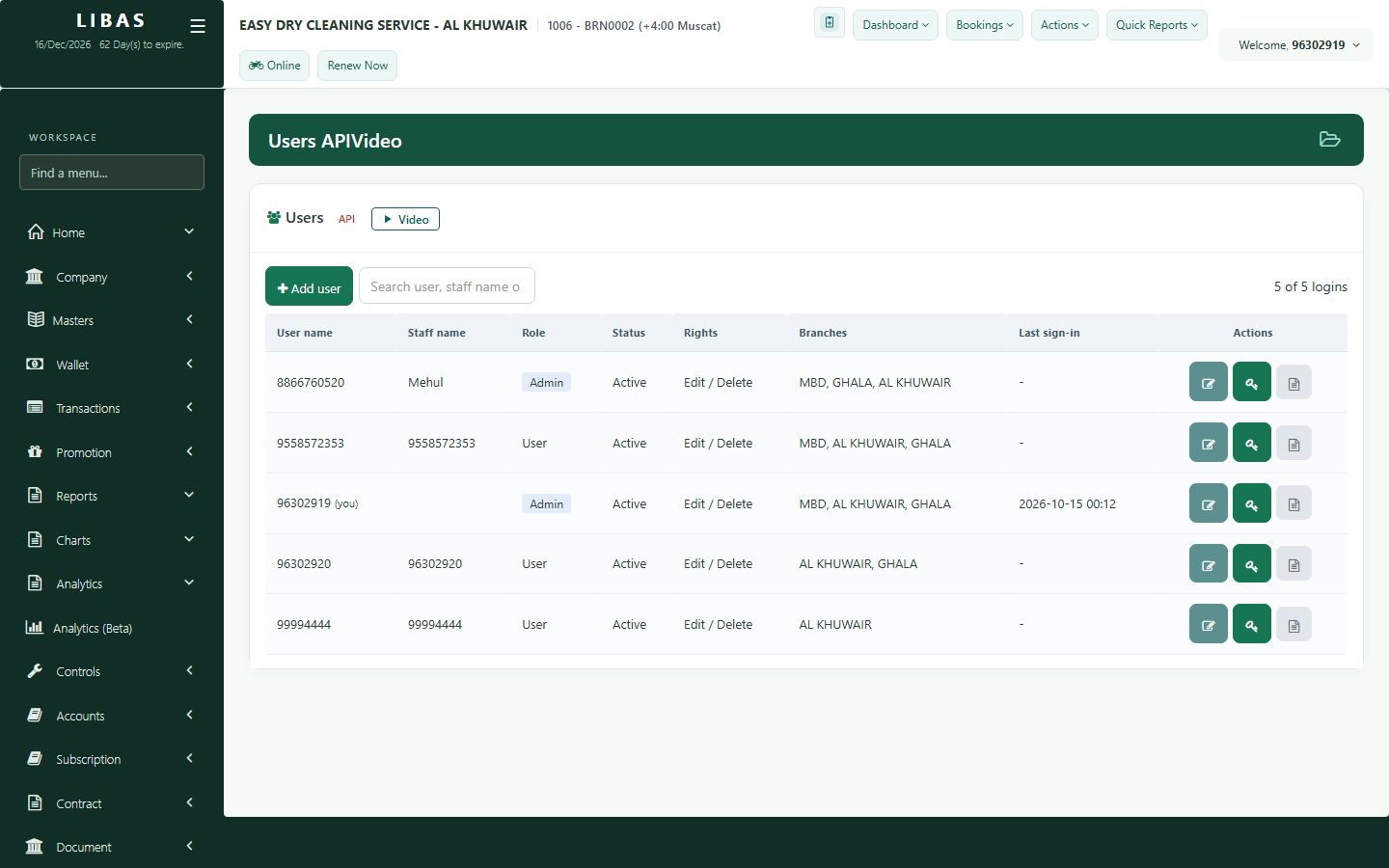
Staff logins and rights
Give each staff member their own login, choose their branches and what they may edit or delete, and reset passwords.
Where to find itControls › User Management
Steps
- Open Controls › User Management to see all logins of your company.
- Press New user: mobile number, name, role and branches.
- Choose whether the user may edit or delete orders.
- Save. To help a user, reset the password or block the login in one tap.