Change the screen language
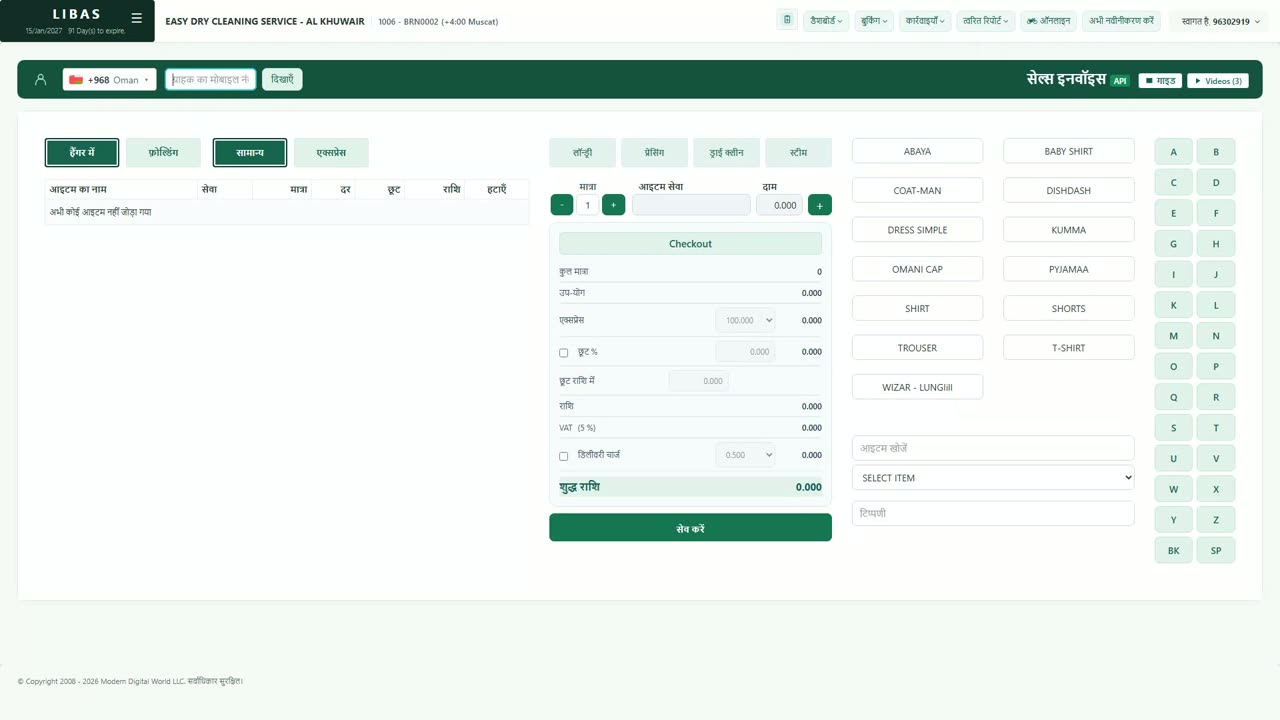
Libas speaks 9 languages: English, Arabic, Hindi, Bengali, Malayalam, Urdu, Telugu, Gujarati and Marathi. Each user chooses their own, and the choice stays with the login.
Where to find itWelcome, your name (top right) › Change Language
Steps
- Click Welcome with your name at the top right.
- Choose Change Language. It is always written in English, so it is easy to find from any language.
- On the Select Language screen, tap your language. Each one is written in its own script, with its English name beside it.
- Libas opens the same page again in the new language: menus, buttons, reports and messages.
- To go back, open Change Language again and tap English.